
Back to Menu No.02-04-02
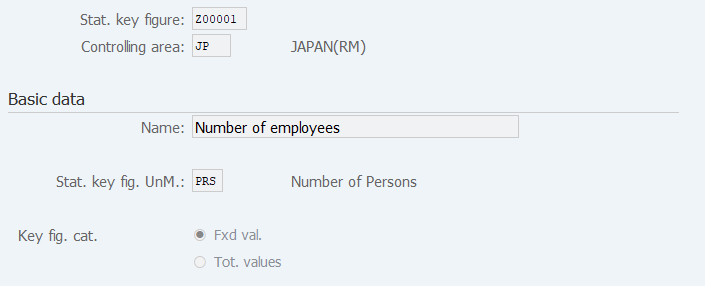
Display Statistical Key Figure (KK03)
Menu: Accounting > Controlling > Cost Center Accounting > Master Data > Statistical Key Figures > Individual Processing > Display
Process Overview: Display Statistical key figure master.
Screen 1:
Operation Process:
| 1. | {{Stat. key figure}} | Enter the Statistical key figure. | |
| 2. |  |
Click [Master Data]. |
Screen 2:
Copyright(c) MITSUI KINZOKU YOURSOFT Inc.