Back to Menu No.01-02-07
Post Parked Document (FBV0)
Menu: Accounting > Financial Accounting > General Ledger > Document > Parked Documents > Post/Delete
Process Overview: Post the parked document that is registered.
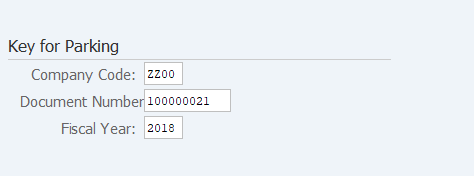
Screen 1: Enter Parked document information which you want to post officially.
Operation Process:
| 1. | {{Company Code}} | Enter the Company code of the parked document to be posted. | |
| 2. | {{Doc. Number}} | Enter the parked document number of the parked document to be posted. | |
| 3. | {{Fiscal Year}} | Enter the Fiscal year of the parked document to be posted. | |
| 4. |  |
Click [Continue]. |
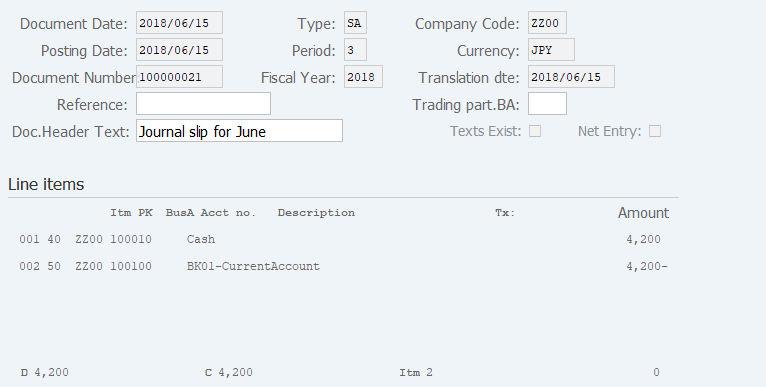
Screen 2: Confirm the entery before converting Parked document to an official document.
Operation Process:
| 1. | Double click on the item for confirmation or correction of the item. | ||
| 2. |  |
Click [Post document]. |
Remarks:
| 1. | Parked Document enjoy transaction if you register a screen2 is enjoy screen. |
Copyright(c) MITSUI KINZOKU YOURSOFT Inc.