Back to Menu No.03-05-02
A/P Open Item for Bill Payable Download (YRFI0025)
Menu: Accounting > Financial Accounting > Add: Function > Add: Accounts Payable > A/P Open Item for Bill Payable Download
| Process Overview: | Extract the payable data and create the data (total amount by vendor/baseline date for payment) to be transferred to the bills of exchange payable and cleared open items. |
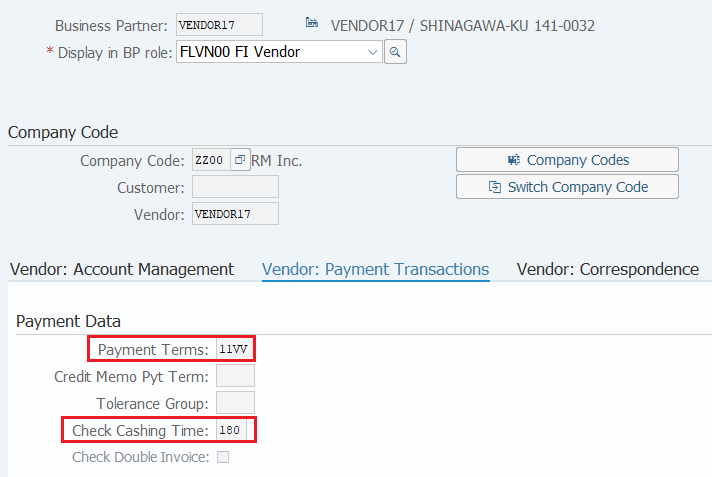
| Precondition: | You have to make sure that the [Payt Terms] and [Chk Cashng time] is entered which in the Payment Transactions Accounting of Vendor Master's Company Code Data. |
Screen 1:
Operation Process:
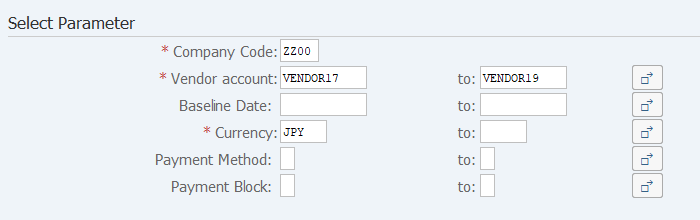
| Select Parameter | |||
| 1. | {{Company Code}} | Enter the Company code. | |
| 2. | {Vendor account} | Enter the Vendor code. | |
| 3. | {{Baseline Date}} | Enter the Baseline date for payment. | |
| 4. | {{Currency}} | Enter the Currency code. | |
| 5. | {Payment Method} | Enter the Payment method. | |
| 6. | {Payment Block} | Enter the Payment block. | |
| 7. |
 |
Click [Execute]. | |
Screen 2:
Operation Process:
| 1. |
 |
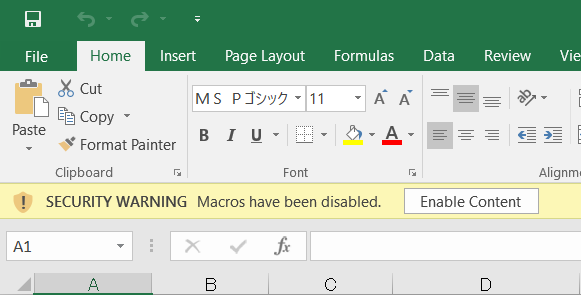
Click [Enable Content]. |
Screen 3:
Operation Process:
| 1. |
 |
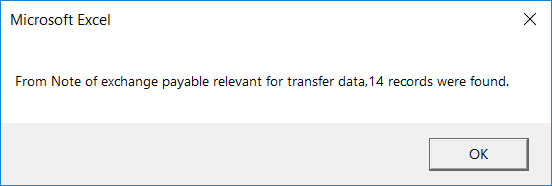
Click [OK]. |
Screen 4:
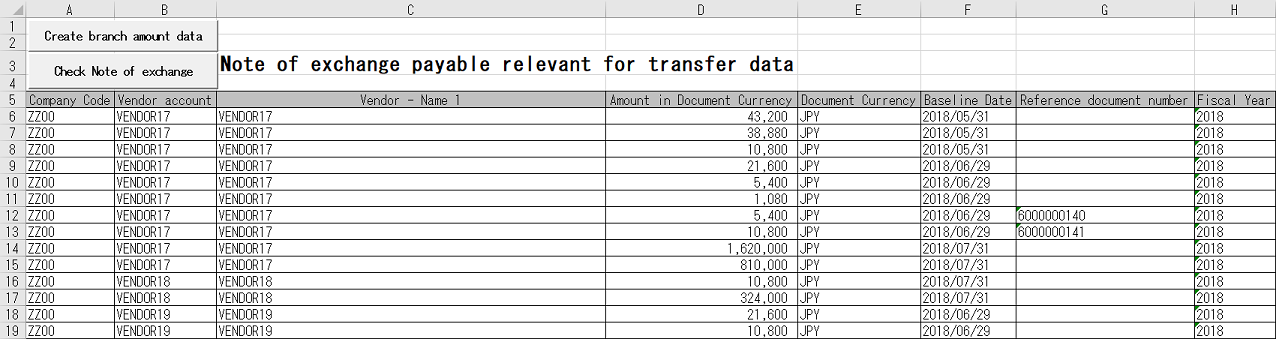
Operation Process:
| 1. |
 |
Click [Create the branch amount data]. |
Screen 5:
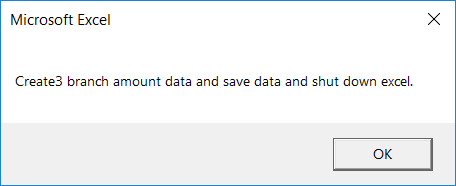
Operation Process:
| 1. |
|
Click [OK]. |
Screen 6:
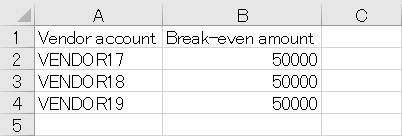
Operation Process:
| 1. | {{Break-even amount}} | Enter the break-even amount. (If the break-even amount is exceeded, transfer to bills of exchange payable occurs.) | |
| 2. |
 |
Click [Save]. |
Screen 7:
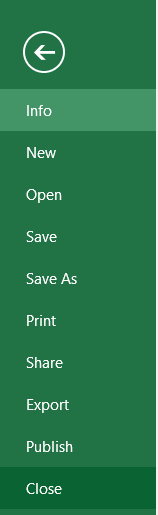
Operation Process:
| 1. |
Menu: File > Close |
Screen 8:
Operation Process:
| 1. |
 |
Click [Check Note of exchange payable]. |
Screen 9:
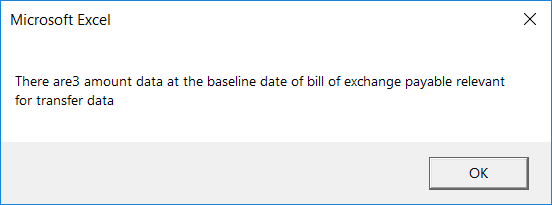
Operation Process:
| 1. |
|
Click [OK]. |
Screen 10:
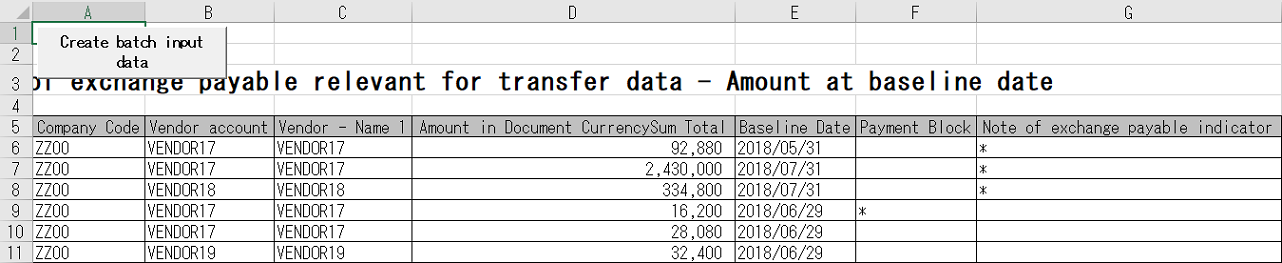
Operation Process:
| 1. | {{Bill of exchange payable indicator}} | The line items marked with '*' are the data to be transferred to the bills of exchange payable. | |
| 2. |
 |
Click [Create batch input data]. |
Screen 11:
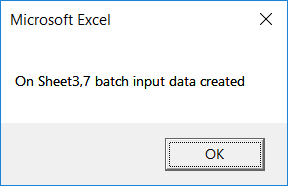
Operation Process:
| 1. |
|
Click [OK]. |
Screen 12:
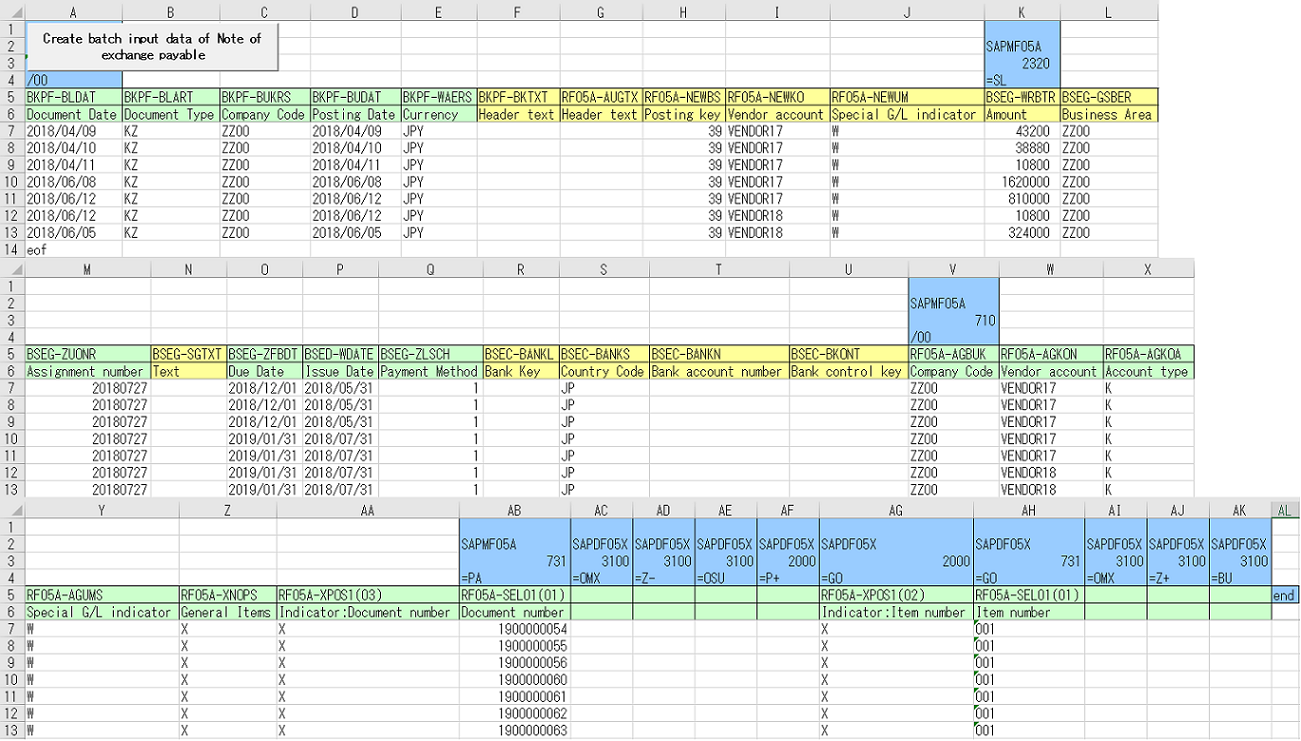
Operation Process:
| 1. | Enter necessary values in the yellow-colored cells in the fifth and sixth lines. | ||
| 2. |
 |
Click [Create batch input data of Note of exchange payable]. |
Screen 13:
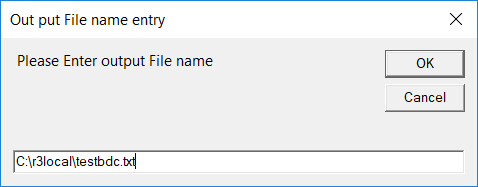
Operation Process:
| 1. |
|
Click [OK]. |
Screen 14:
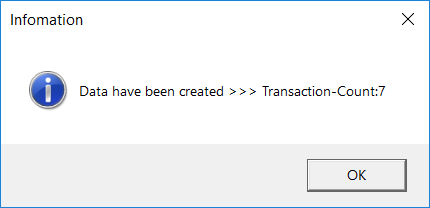
Operation Process:
| 1. |
|
Click [OK]. | |
| 2. | Execute 'General Batch Input' (T-cd:YR990001). |
Copyright(c) MITSUI KINZOKU YOURSOFT Inc.